One prompt in.
A finished
Short out.
A Blender kit and lessons built from how I make my blocky-world story Shorts. You pitch an idea in one line. Claude writes the script, adds the voiceover, stages the shots and renders a vertical video in Blender.
One-time payment. Instant access.
Needs a powerful PC or Apple Silicon Mac and a paid Claude plan (not included). See specs
Results aren't guaranteed. Views and income depend on your ideas, how often you post and the platform.
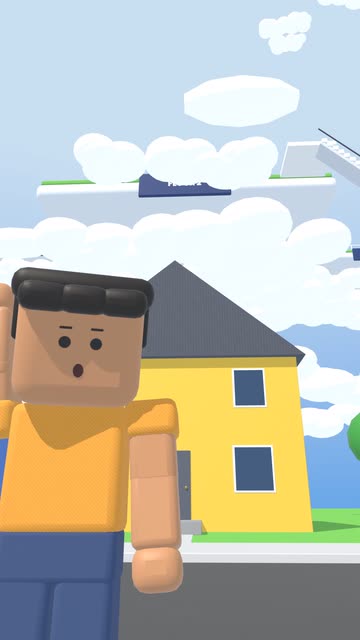
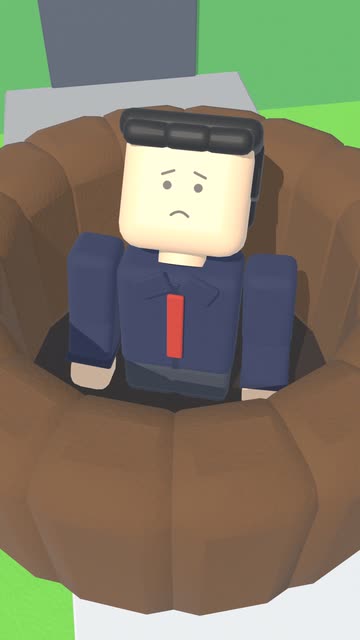
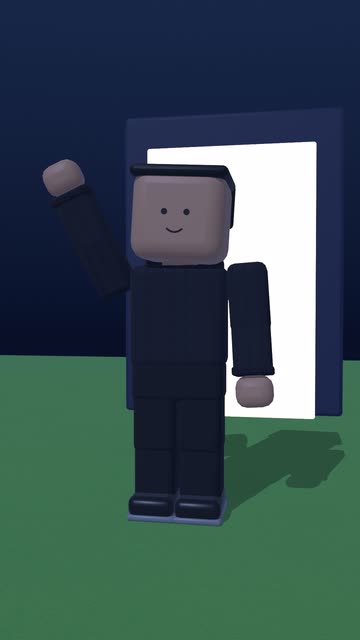
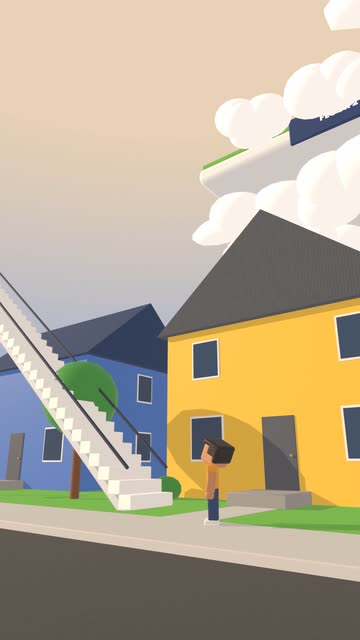
Real kit output: these frames and the video were rendered by the kit from this exact prompt.
§ 01 · Blueprint to render
Claude plans every block. Blender renders the shot.
The kit turns your idea into a plan of sets, characters and camera moves, then renders it on your own computer. That render step is why you need a powerful machine.
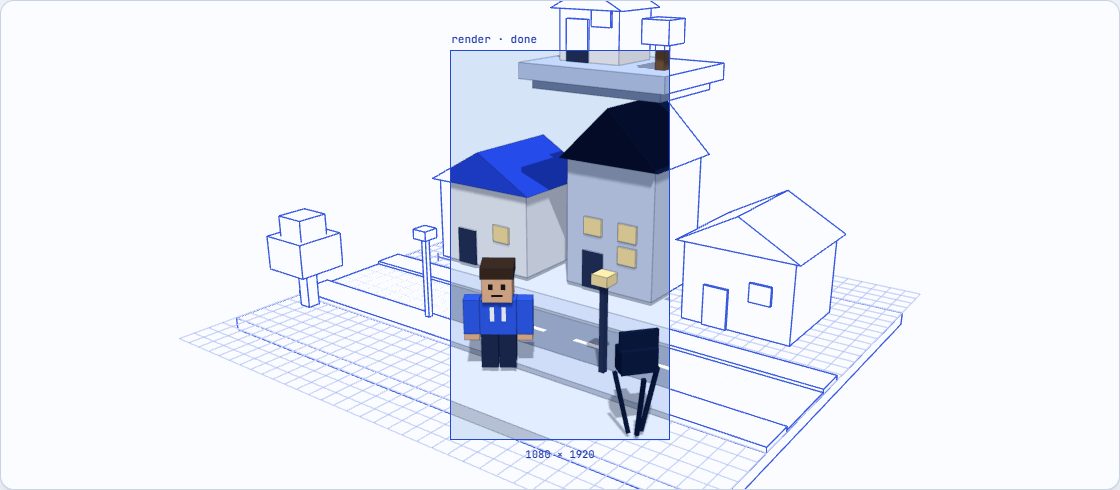
An illustration of the process, drawn live in your browser.
Illustration: a blocky town drawn as a blue blueprint, then rendered in color inside a vertical 9:16 frame.
§ 02 · The pipeline
You direct. Claude does the heavy lifting.
Five steps from a one-line idea to an upload-ready video. You pitch it, Claude builds it, you review and ask for fixes.
- 1you · once
Set it up
Install Claude, Blender and the kit with the setup lesson. You do this once.
- 2you
Pitch the idea
One sentence is enough: a strange rule, a weird town, a "what if".
- 3claude
Script & voice
A hook-first story, written to be watched to the end, with the voiceover recorded.
- 4claude
Shots
Blocky sets, posed characters and camera angles, planned shot by shot.
- 5claude + blender
Render
A 9:16 video with captions, rendered in Blender on your computer, ready for TikTok, Shorts or Reels.
Try something like a town where you can trade your birthday for a superpower
Expect to review each Short and ask Claude for a few fixes. Lesson 3 shows how.
§ 03 · In the box
A kit, three lessons and a private course page.
Everything sits on one personal page you can open from any device, and lessons added later are included.
nitestrs-story-kit/
- ├─ SKILL.md# Claude follows this
- ├─ characters/# 13 rigged characters, 8 expressions, 11 hairstyles
- ├─ sets/# town street, downtown, school, home
- ├─ camera/# shot presets + automatic shot checks
- ├─ render/# 9:16 render, pop-up captions
- ├─ examples/# the demo Short, ready to render
- └─ SETUP.pdf# install, step by step
One download. Unzip it and follow the setup lesson.
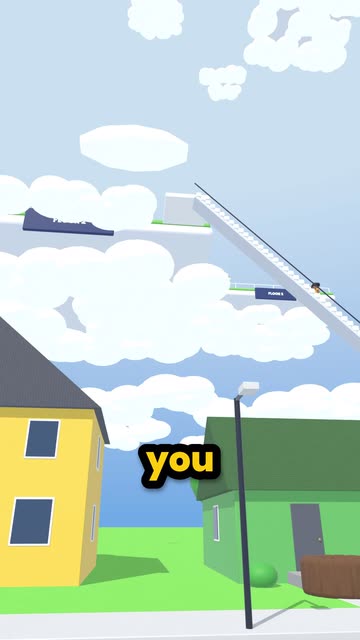 Lesson 1 · setup
From zero to your first Short
Install everything, run the kit and render your first video with me.
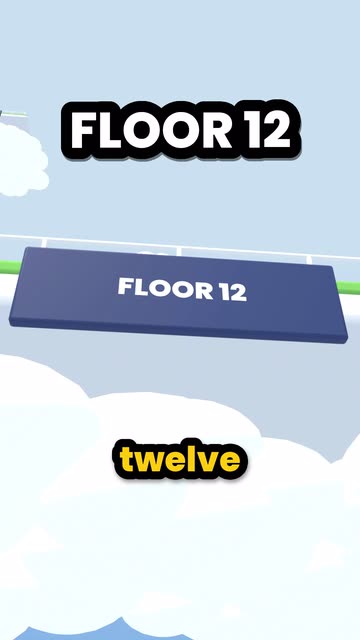 Lesson 2 · story
Ideas that hook in three seconds
How I pick a premise and shape the opening so people keep watching.
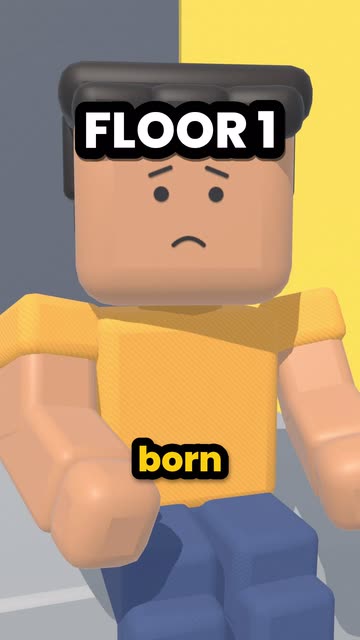 Lesson 3 · directing
Directing the shots
Camera, acting and pacing fixes that make a Short feel finished.
- Download
The Story Kit
The Claude skill, Blender assets and render presets in one zip.
§ 04 · The look
Blocky worlds, big stakes, one voice.
Clips from the 60-second demo Short the kit rendered from the prompt above. Watch the whole demo with sound.
§ 05 · Before you buy
Check your setup first.
The kit runs on your own computer, and rendering 3D video is heavy work. Here's what it needs.
- ✓A powerful computerRendering 3D video is heavy. Recommended:
- Windows PC: a dedicated graphics card with 6 GB+ VRAM, such as NVIDIA GTX 1660 Super or better
- Mac: Apple Silicon, M1 or newer
- 16 GB RAM or more (32 GB recommended)
- 30 GB of free SSD space
- ✓A paid Claude planClaude Pro or higher, from Anthropic. It isn't included in the price. The setup lesson shows which Claude app to install.
- ✓BlenderFree from blender.org. The setup lesson walks you through it.
- ✓No animation or coding skillsIf you can type an idea and follow a video, you're set.
- ✕Not for phones, tablets or basic laptopsOffice laptops with only built-in graphics, Intel Macs and Chromebooks won't keep up. You can still watch the lessons on a phone.
- The Story Kit download
- 3 video lessons, setup included
- Future lessons at no extra cost
- Private course page, any device
- Not included: a paid Claude plan, from Anthropic
Secure checkout by Polar, who handle payment, receipts and sales tax. Local tax may be added at checkout, depending on your country. No subscription. Results aren't guaranteed.
§ 06 · FAQ
Good to know.
Is this a subscription?
No. You pay $30 once, in US dollars. If your card uses another currency, your bank converts it at its usual rate.
Can I make Shorts on my phone?
No. The 3D scenes are built and rendered in Blender on a powerful computer. The lessons play fine on a phone.
What computer do I need?
A powerful one: the kit renders 3D video in Blender on your own machine. Recommended:
- Windows PC: a dedicated graphics card with 6 GB+ VRAM, such as NVIDIA GTX 1660 Super or better
- Mac: Apple Silicon, M1 or newer
- 16 GB RAM or more (32 GB recommended)
- 30 GB of free SSD space
Basic laptops, Intel Macs and Chromebooks won't keep up.
Is Claude included?
No. You need a paid Claude plan (Pro or higher) from Anthropic. The price here covers the kit and the lessons.
How do I get in after paying?
Checkout sends you straight to your private course page. Bookmark it to come back from any device. Lost the link? Open /restore and paste your Polar order ID. Your receipt arrives by email from Polar.
Can I monetize the videos?
Yes. Videos you make with the kit are yours to post and monetize, no credit needed. Claude and any other tool you use have their own terms.
Do new lessons cost extra?
No. Lessons I add later show up on the same page for free.
Will my Shorts go viral?
Nobody can promise that. The kit gives you my workflow; views and income depend on your ideas, how often you post and the platform.
Who's behind this?
I'm nitestrs. I post blocky-world story Shorts on TikTok as @. I built this kit from how I write and direct them, so you can run it on your own computer.
Stop editing. Start directing.
The Story Kit plus 3 lessons. $30 once. Needs a powerful computer and a paid Claude plan.